> For the complete documentation index, see [llms.txt](https://docs.marginly.com/llms.txt). Markdown versions of documentation pages are available by appending `.md` to page URLs; this page is available as [Markdown](https://docs.marginly.com/app/how-to/withdraw-liquidity.md).
# Withdraw Liquidity
Learn how to take liquidity out of a pool in Marginly
### About
Users can withdraw previously deposited liquidity from Marginly pools
### Step-by-step guide
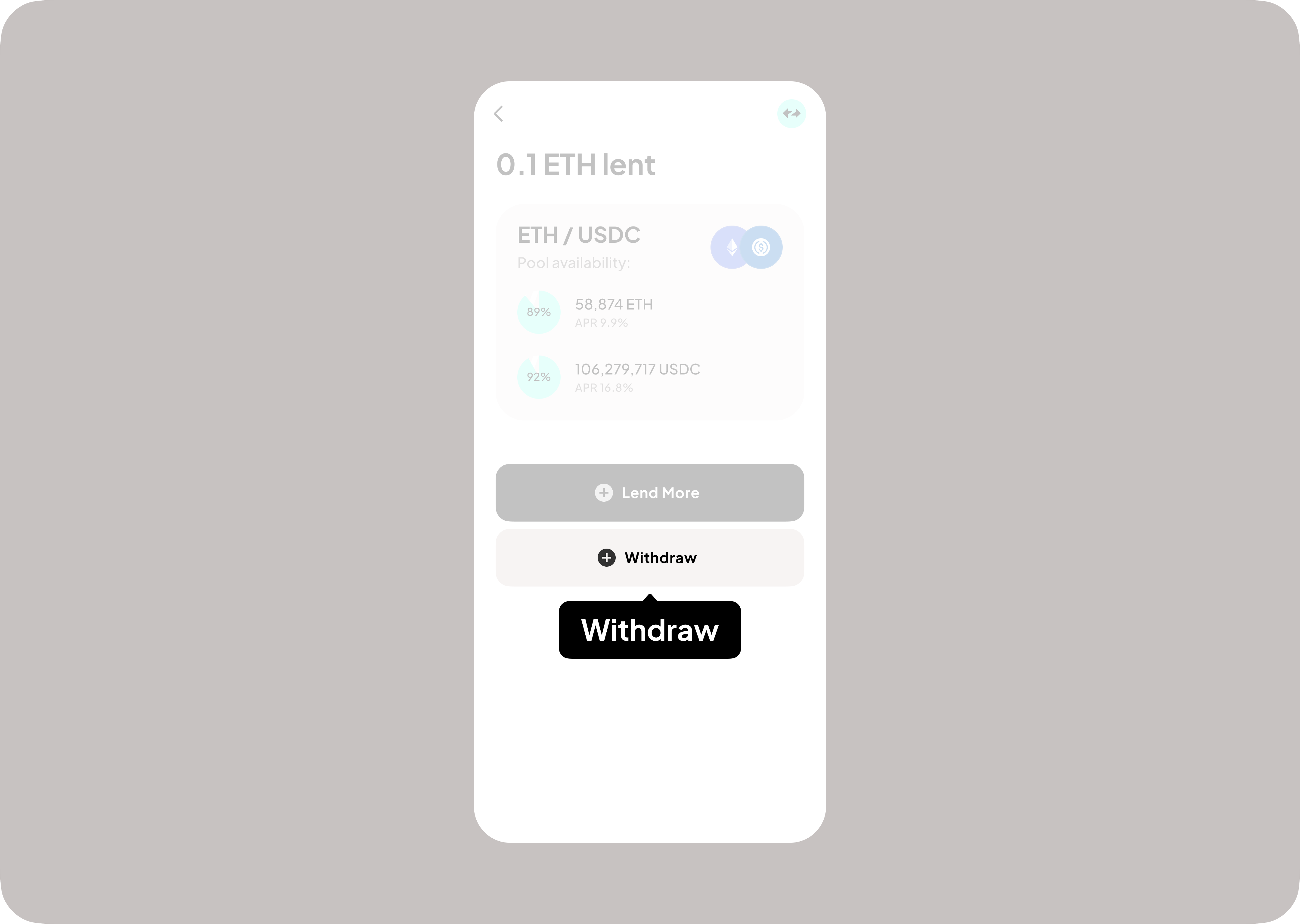
1. Select your lending position on the main screen of the app
2. Click “Withdraw”
3. Input amount (1) and click “Withdraw” (2)
4. Sign transaction in wallet
5. Receive confirmation