> For the complete documentation index, see [llms.txt](https://docs.marginly.com/llms.txt). Markdown versions of documentation pages are available by appending `.md` to page URLs; this page is available as [Markdown](https://docs.marginly.com/app/how-to/withdraw-funds.md).
# Withdraw Funds
Learn how to withdraw funds from an open position in Marginly
### **Step-by-step guide**
1. Select your position on the main screen of the app
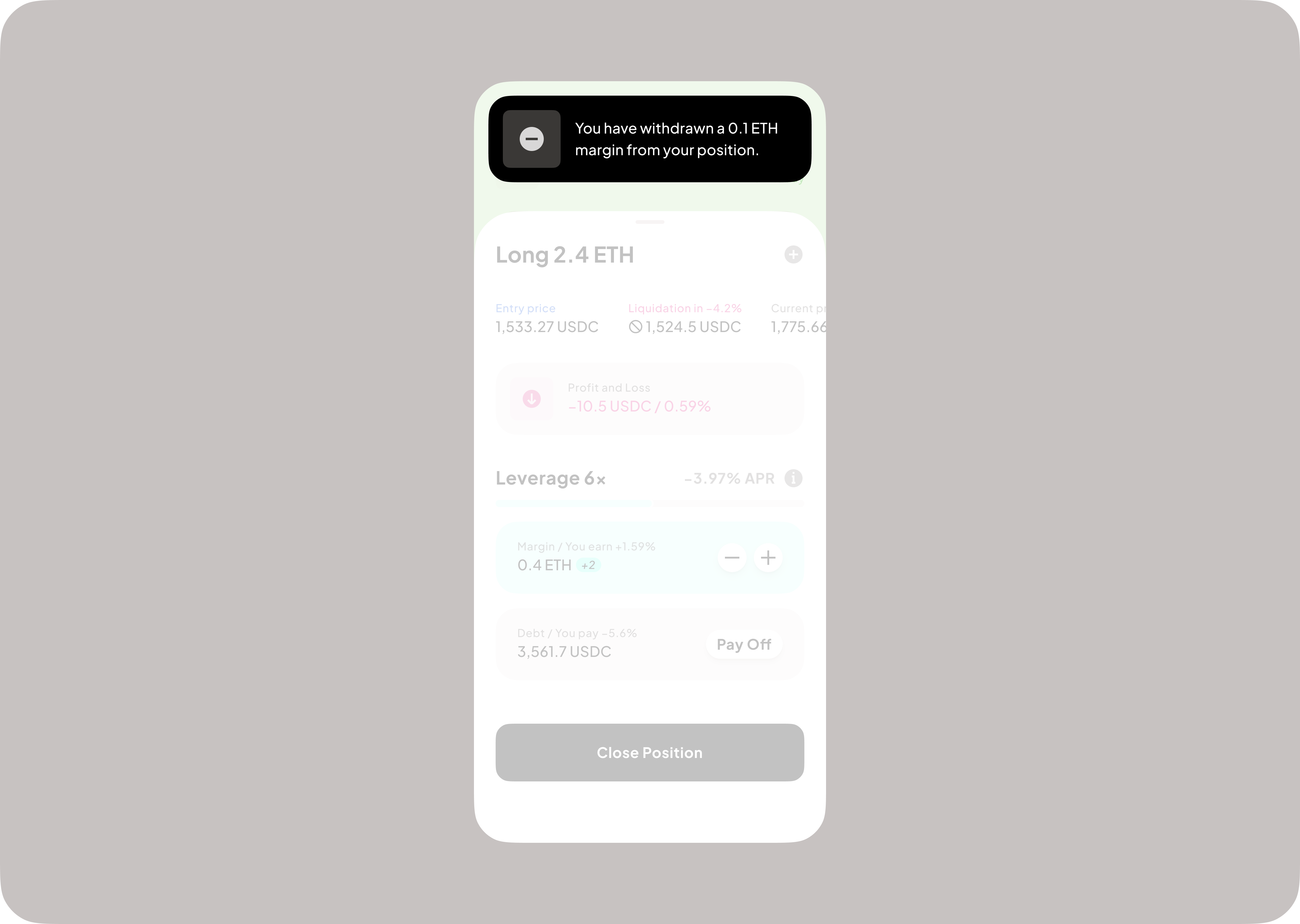
2. Click the “-” button
3. Input desired amount (1) and press “withdraw” (2)
4. Sign transaction in wallet
5. Receive confirmation