> For the complete documentation index, see [llms.txt](https://docs.marginly.com/llms.txt). Markdown versions of documentation pages are available by appending `.md` to page URLs; this page is available as [Markdown](https://docs.marginly.com/app/how-to/close-position.md).
# Close Position
Learn how to close a position in Marginly
### About
Whether it's taking a profit or a loss - closing a position is an integral part of trading.
### Step-by-step guide
1. Select your position on the main screen of the app
2. Press “Close Position”
3. Sign transaction in wallet
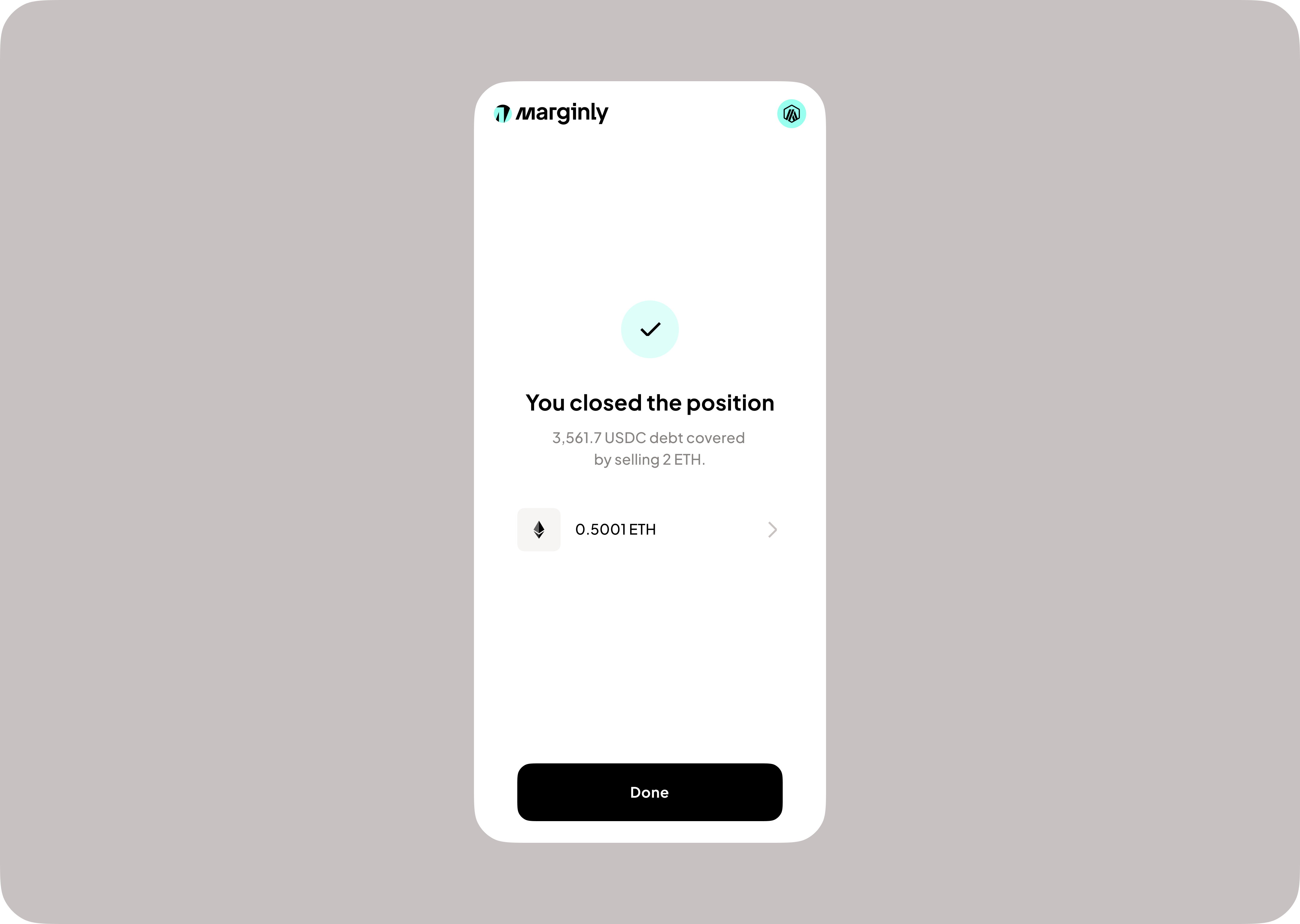
4. Receive confirmation